requiresUserInteraction: the MCP annotation that ignores your allow rules (2026)
Set _meta["anthropic/requiresUserInteraction"] to true and Claude Code prompts for that tool on every call, even in bypassPermissions, and even when an allow rule matches. It shipped in v2.1.199 with no changelog entry, which is why almost nobody has written about it.
Updated on September 8, 2026
On this page
Quick answer (September 2026)
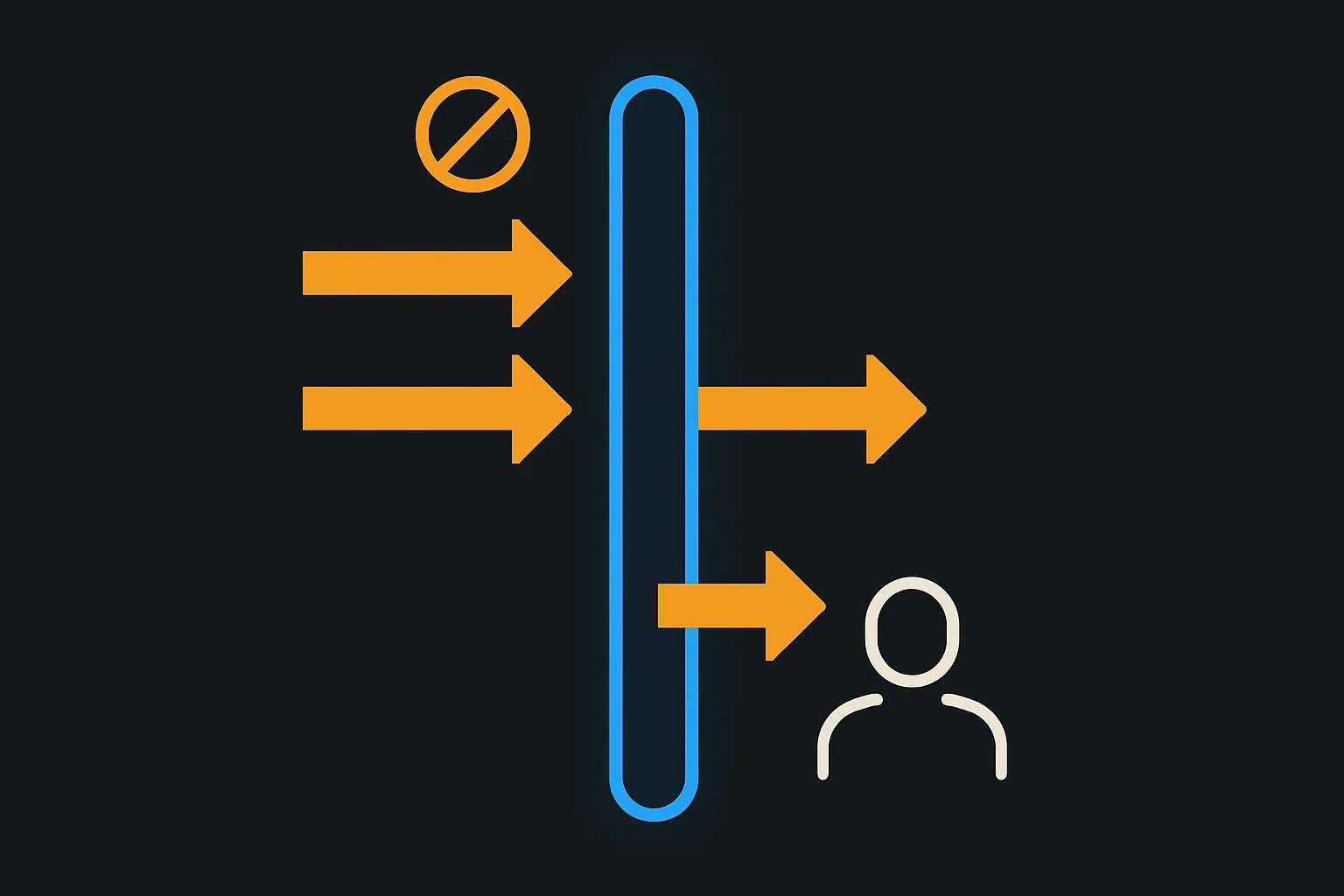
If you build an MCP server and you need one tool to ask a human every single time, set _meta["anthropic/requiresUserInteraction"] to true on that tool's entry in your tools/list response. Claude Code will then show that tool's permission prompt on every call, even in acceptEdits, auto and bypassPermissions modes, and an allow rule that matches the tool will not skip it.
Three things about it are easy to get wrong, and all three are one sentence each in the documentation:
- The value must be the JSON boolean
true. The string"true"is silently ignored. - It needs Claude Code v2.1.199 or later (released 2 July 2026). Older versions ignore the annotation and apply the normal permission flow, which means the tool you thought was protected is not.
- In
dontAskmode the call is denied, not prompted. The annotation guarantees a human decision or no call at all. It never guarantees a call.
The annotation has never been announced. It shipped in v2.1.199 with no changelog entry, and the only time it has ever appeared in the Claude Code changelog is a bug fix eight weeks later.
Why you have probably never read about this
I went looking for the announcement and there is not one. Searching the full Claude Code changelog for requiresUserInteraction returns exactly one line, in v2.1.246 (released 25 August 2026):
Changelog v2.1.246, verbatim: "Fixed MCP tools marked requiresUserInteraction still offering 'Yes, and don't ask again' in their permission prompt; the option wrote an allow rule the tool then ignored"
That is a fix for a feature the changelog never introduced. The v2.1.199 release notes, where the annotation actually became available, do not mention it anywhere. So the ordinary path by which a Claude Code feature becomes known, someone reads the release notes and writes it up, never fired. The feature is documented, on the MCP page in Anthropic's docs, and essentially undiscussed.
This matters practically. If you are an MCP server author who wants a consent step that cannot be auto-approved, this is the mechanism, and you will not find it by watching release notes.
The syntax
The annotation goes on the tool entry your server returns from tools/list. Anthropic's own example marks a single tool:
{
  "name": "grant_access",
  "description": "Requests access to a protected resource",
  "_meta": {
    "anthropic/requiresUserInteraction": true
  }
}
Two structural points worth understanding rather than copying.
It is a vendor extension riding the spec's own extension mechanism. The MCP specification reserves _meta for exactly this, and defines the key-name format as an optional prefix followed by a name, the prefix being dot-separated labels ending in a slash. anthropic/requiresUserInteraction is a well-formed vendor key: prefix anthropic, name requiresUserInteraction. The spec reserves prefixes containing mcp or modelcontextprotocol for the protocol itself, so vendors namespace under their own label instead.
The consequence is the useful part: other MCP clients ignore this key. Adding it does not break portability. A client that has never heard of it sees an unknown _meta entry and carries on. You are not forking your server for Claude Code, you are attaching a hint that one client honours.
It is per tool, not per server. The documentation is explicit that "Other tools from the same server keep their normal permission behavior." So a server can expose twenty ordinary tools and one consent gate, and only the gate becomes unskippable.
The boolean trap
This is the single line most likely to cost you an afternoon:
Anthropic MCP docs, verbatim: "The value must be the JSON boolean true; any other value is ignored."
If your server builds its tools/list response by reading config, templating YAML, or passing values through an environment variable, you can very easily emit "true" as a string. There is no warning and no error. The tool loads, works, and quietly behaves like every other tool: prompt once, allow rule, never asked again.
The failure mode is the dangerous direction. A silently ignored annotation does not look broken, it looks like a tool that got approved. If you are using this for a consent step, "looks approved" is precisely the outcome you were trying to make impossible. Assert the type where you construct the entry, and confirm it survives serialisation. If you build with the MCP TypeScript SDK, the _meta object is passed through as you supply it, so a value coerced upstream of the SDK reaches the wire unchanged.
What it actually overrides
The reason to reach for this annotation is that it beats the mechanisms that normally suppress a prompt. Here is the behaviour across the permission modes, all of it from the docs page linked above.
Scroll to see more
| Situation | Normal MCP tool | Tool with the annotation |
|---|---|---|
| Default mode, first call | Prompt | Prompt |
| Matching allow rule in settings | No prompt | Prompt anyway |
acceptEdits mode | No prompt | Prompt anyway |
auto mode | No prompt | Prompt anyway |
bypassPermissions mode | No prompt | Prompt anyway |
dontAsk mode | No prompt | Denied |
| "Yes, and don't ask again" offered | Yes | No, option withheld |
Anthropic MCP docs, verbatim: "Allow rules that match the tool don't skip the prompt either. In dontAsk mode, which never prompts, Claude Code denies the call instead."
The dontAsk row is the one to internalise. The annotation does not promise your tool will run. It promises your tool will not run without a person. In a mode that structurally cannot ask a person, the correct behaviour is refusal, and that is what you get. Design your server's error handling on the assumption that a flagged tool can come back denied through no fault of the caller.
The bug that made it look broken, and what the fix means
Before v2.1.246, the permission prompt for a flagged tool still offered "Yes, and don't ask again". Choosing it wrote an allow rule, and the tool then ignored that rule, because ignoring allow rules is the entire point of the annotation.
So the pre-fix experience was: you are offered a way to stop being asked, you take it, a rule is written into your settings, and you keep being asked forever. Nothing errors. Your settings file now contains a rule that does nothing, and will keep doing nothing after you forget why you added it.
If you are on a version between v2.1.199 and v2.1.245 and you have been fighting a tool that will not respect its allow rule, that is this. The fix in v2.1.246 removes the option from the prompt rather than making it work, which is the right call: the option was always a lie for these tools.
It is worth checking your settings for orphaned allow rules created during that window. They are inert, but an allow rule that appears to grant something it does not grant is the kind of thing that gets misread during a later security review.
Where it does not reach
Two boundaries, both documented, both easy to trip over in automation.
Non-interactive runs with --permission-prompt-tool. If your prompt tool returns allow for a flagged tool, that allow is not honoured:
Anthropic MCP docs, verbatim: "an allow result from the prompt tool for a flagged tool is converted to a deny with the message MCP tool requires user interaction; not supported via --permission-prompt-tool"
That error message is worth memorising, because it is the string you will actually see in CI. It is not a misconfiguration. It is the annotation working: a programmatic approver is not a person, so the approval is refused.
The Agent SDK is the exception, and deliberately so. The canUseTool callback does receive these calls and can approve them, on the documented reasoning that an SDK application is expected to put the decision in front of a user. So the boundary is not "interactive versus programmatic", it is "is there a human at the end of this path". A --permission-prompt-tool is assumed to be a robot; an SDK app is assumed to have a UI.
If you are building on the SDK, that puts the obligation on you. Receiving these calls means you are the surface that must actually show them to someone. Approving them from code because it is convenient defeats the annotation as thoroughly as the old allow-rule bug did. If you want the fuller picture of MCP's human-in-the-loop primitives, elicitation is the protocol-level sibling to this client-level control.
One-tap approval is withheld too. On surfaces like Remote Control, where you normally approve a tool call with a single tap, Claude Code "withholds the one-tap action" for a flagged tool and shows the full permission prompt instead. The stated reason is that approval should come from a person answering a prompt rather than from a tap.
When to use it, and when not to
The documentation gives the intended case precisely: tools "whose permission prompt is itself the point, such as a consent or access-grant step where auto-approval would mean no human ever agreed."
That is a narrow and honest framing, and it is a good test. Ask whether the prompt is the product. Granting a scope, accepting terms, releasing funds, sending something irreversible to a third party: for these, an unattended approval is not a convenience, it is a missing signature.
It is the wrong tool for merely destructive operations. If you flag every risky tool, you train the user to approve reflexively, and a prompt that is always dismissed protects nothing. MCP already has destructiveHint and the surrounding tool annotations for conveying risk. Reserve requiresUserInteraction for the cases where a machine approving would make the record false.
Verify it in four steps
- Confirm the client version is v2.1.199 or later. Below that the annotation is ignored and you will get standard behaviour that looks like standard behaviour.
- Confirm the emitted JSON carries a real boolean. Inspect the actual
tools/listresponse on the wire, not your source. - Call the tool with a matching allow rule in settings. You should still be prompted. If you are not, one of steps 1 or 2 is wrong.
- Confirm the prompt offers no "don't ask again" option. On v2.1.246 and later it will not. If it does, you are on an older build and the option will write a rule that does nothing.
The whole feature is about ten sentences of documentation on a page most people open to configure a server, not to write one. It is genuinely useful, it is the only supported way to make a tool call require a human in Claude Code, and it has been sitting there since 2 July 2026 with no announcement attached.
Written by
Ren OkabeRen builds and breaks agent tooling, then writes down the parts the documentation assumes you already know.
Frequently asked questions
Is requiresUserInteraction part of the MCP standard?
No. It is an Anthropic vendor extension carried in the MCP _meta field, using the reserved-prefix convention the specification defines: an optional prefix followed by a slash, then a name. Clients other than Claude Code ignore the key, so adding it does not affect the portability of your server.
Does it work in bypassPermissions mode?
Yes. A tool carrying the annotation is prompted even in bypassPermissions, auto and acceptEdits modes, and a matching allow rule does not skip the prompt either. That is the main reason to use it. The one exception is dontAsk mode, which never prompts, and where Claude Code denies the call instead.
Why does my flagged tool get denied in CI?
Most likely you are running non-interactively with --permission-prompt-tool. Anthropic's MCP documentation states that an allow result from the prompt tool for a flagged tool is converted to a deny, with the message: MCP tool requires user interaction; not supported via --permission-prompt-tool. Use the Agent SDK canUseTool callback if you need a programmable surface that can genuinely put the decision to a person.
I set the annotation and nothing changed. What is wrong?
Check the value type first. The documentation states the value must be the JSON boolean true, and that any other value is ignored. The string "true" is silently accepted and does nothing. Then check the client version: the annotation requires Claude Code v2.1.199 or later, and earlier versions ignore it and apply the standard permission flow.
Does it apply to every tool on my server?
No, it is per tool. Anthropic's documentation states that other tools from the same server keep their normal permission behaviour, so a server can expose many ordinary tools alongside a single consent gate.
Why is there no changelog entry for this feature?
There is not one. The annotation became available in Claude Code v2.1.199, released 2 July 2026, with no changelog line announcing it. The only mention of requiresUserInteraction anywhere in the Claude Code changelog is a bug fix in v2.1.246, released 25 August 2026, which removed a misleading do-not-ask-again option from the prompt.
Related tutorials
tool_search finds nothing unless the path is the exact tool name
Measured on @openai/agents 0.18.0: the built-in client-side tool_search loader matches paths against tool names by exact string equality, and a miss returns zero tools with no error and no warning. The failure arrives one turn later as an error that blames the model.

Your VoltAgent script never exits
Measured on @voltagent/core 2.11.0: the first agent call lazily starts three setInterval timers that are never unref'd, so your Node process stays alive forever. Two of them poll 20 times a second. Here is the reproduction, the cause and the fix.
Your Zod .refine() never reaches the model
Measured on ai 7.0.118 and zod 4.6.5: a .refine() on a tool input schema is stripped before the schema reaches the model, with no warning. z.string().startsWith('acct_') arrives as a pattern; the same rule written as a refinement arrives as nothing.